Audio Quality Matters More Than Video
Use Proper Framing and Composition
You don’t need a professional camera to create professional-looking content. Modern smartphones are powerful filmmaking tools capable of producing stunning video when used correctly.
The difference between amateur and high-quality content isn’t the device — it’s how you use it.
Why Your Phone Is Enough
Top creators often start with nothing more than a smartphone. Today’s devices shoot high-resolution video, handle low light better than ever, and support advanced editing apps.
- 4K video capability
- High frame rate options
- Powerful image processing
- Portability and convenience
- Access to mobile editing tools
Your phone is already more capable than cameras used to produce professional content just a decade ago.
Master Lighting First
Lighting has the biggest impact on perceived video quality.
Natural light is often the best option for beginners. Position yourself facing a window so light falls evenly on your face.
- Avoid strong backlighting
- Use soft, diffused light when possible
- Film during daylight for best results
- Add simple lights as you upgrade
Good lighting can make phone footage look cinematic.
Audio Quality Matters More Than Video
Viewers will tolerate average visuals, but poor audio drives them away instantly.
To improve sound:
- Film in quiet environments
- Reduce echo with soft surfaces
- Move closer to the microphone
- Use an external mic when possible
Clear sound signals professionalism.
Use Proper Framing and Composition
Thoughtful composition makes your content visually engaging.
Follow basic principles:
- Keep your subject centered or on the rule-of-thirds lines
- Maintain headroom without cutting off the top
- Avoid cluttered backgrounds
- Create depth between you and the background
A clean frame keeps viewers focused on your message.
Keep Your Shots Stable
Shaky footage immediately looks amateur.
Stabilization tips:
- Use a tripod or stable surface
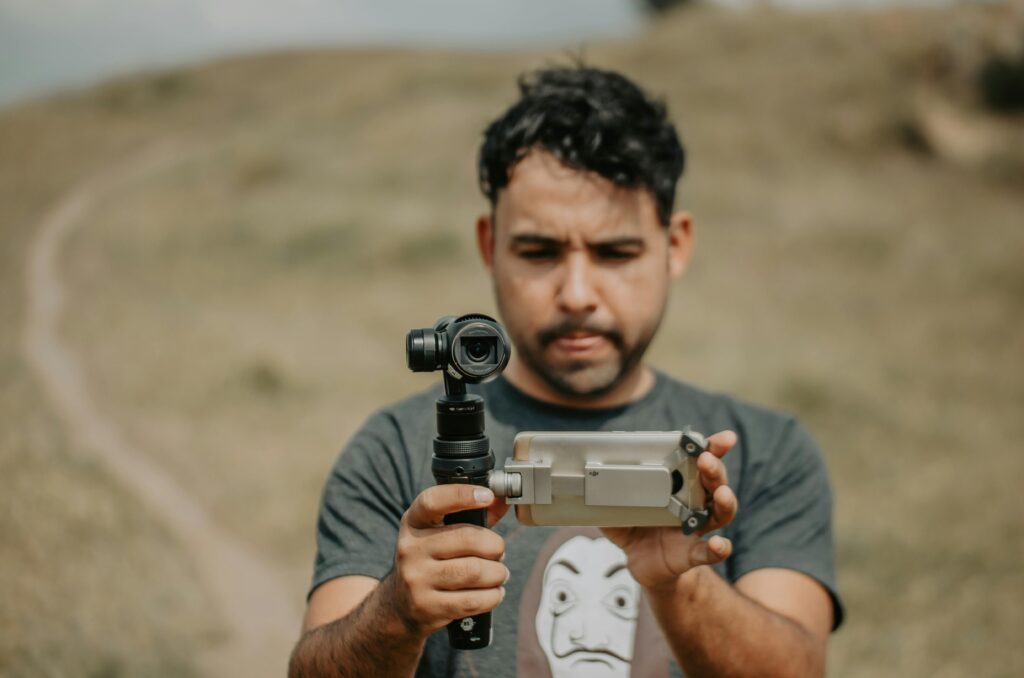
- Hold the phone with both hands
- Move slowly and deliberately
- Use built-in stabilization features
Even simple stability upgrades dramatically improve quality.
Optimize Your Camera Settings
Default settings aren’t always ideal.
- Shoot in the highest resolution available
- Choose an appropriate frame rate
- Lock exposure when needed
- Clean your lens before filming
Small adjustments can produce noticeably sharper results.
Edit for Maximum Impact
Editing transforms raw footage into polished content.
Key improvements during editing include:
- Trimming unnecessary sections
- Adjusting brightness and color
- Adding captions or graphics
- Enhancing audio levels
- Pacing the content for engagement
Many professional creators edit entirely on mobile devices.
Final Thoughts
High-quality content isn’t defined by expensive gear — it’s defined by clarity, lighting, sound, and storytelling.
Your phone is more than capable of producing content that looks professional and engaging.
The most important step isn’t upgrading your equipment. It’s pressing record.